How To
What Is a Keyboard Tester and Why You Need One
A keyboard tester shows whether every key registers correctly. Learn when to test your keyboard, the signs of a failing key and how to run a test.

Step-by-step keyboard how-tos: unlock and reset keyboards, connect them to an iPad, clean a laptop keyboard and use handy keyboard shortcuts.
A keyboard tester shows whether every key registers correctly. Learn when to test your keyboard, the signs of a failing key and how to run a test.
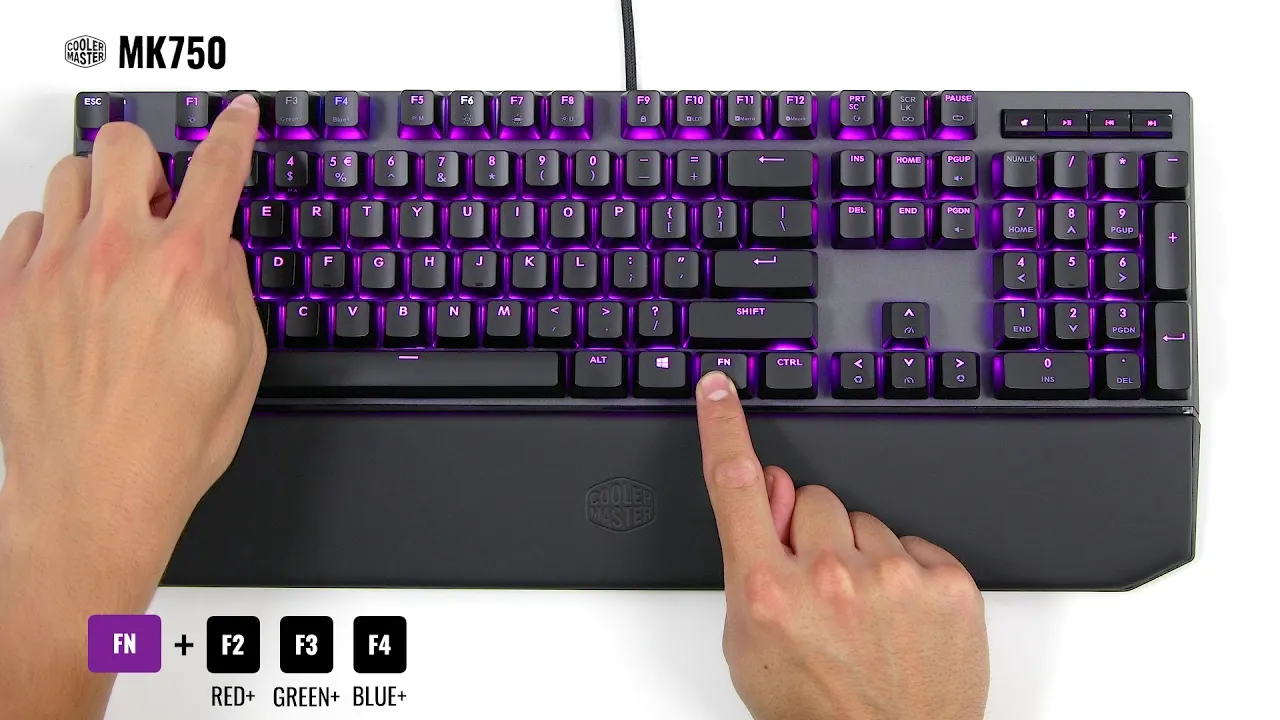
Want your keyboard to glow a different color? Learn how to check for RGB lighting and change keyboard colors with software, key shortcuts and settings.
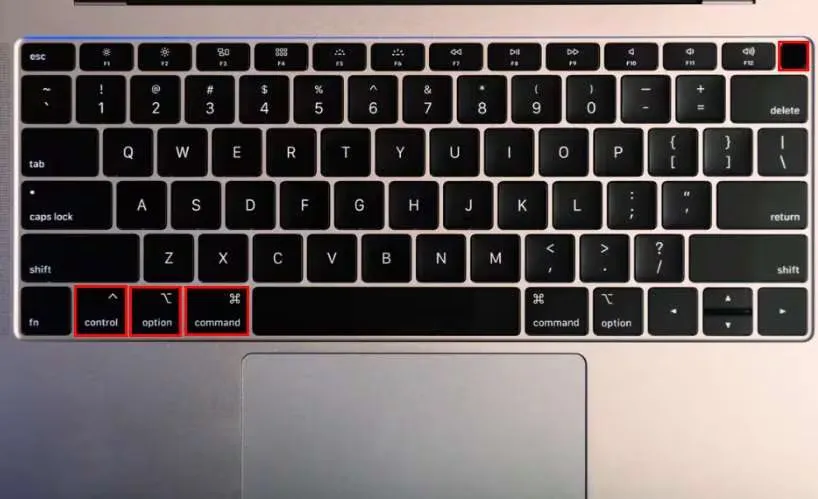
Restart your Mac using only the keyboard: the standard restart shortcut, how to force restart a frozen Mac and what to do when shortcuts don't work.
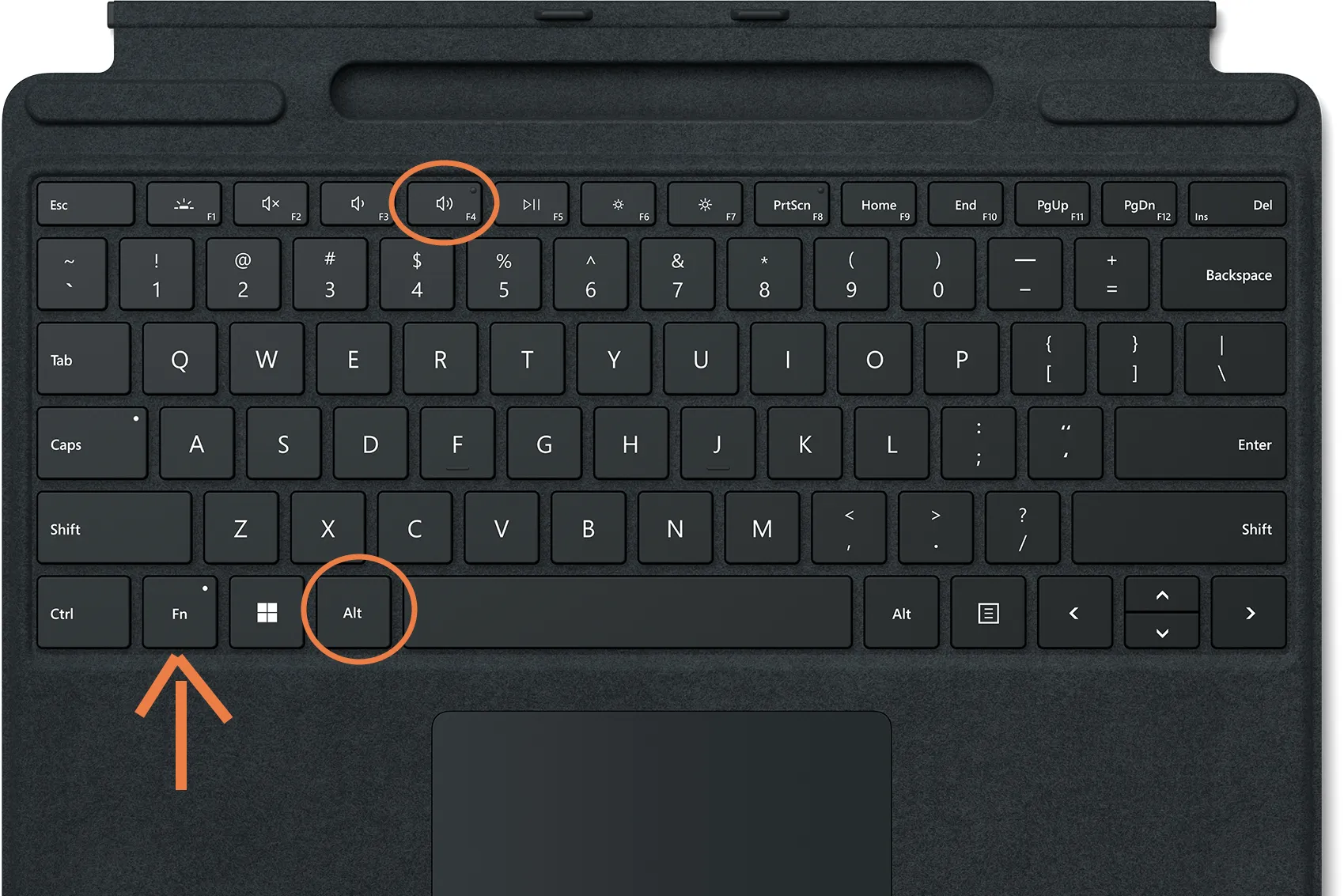
Turn off your PC or Mac without a mouse. Keyboard shortcuts like Alt + F4 and Ctrl + Alt + Delete for Windows, plus the shutdown shortcuts on Mac.
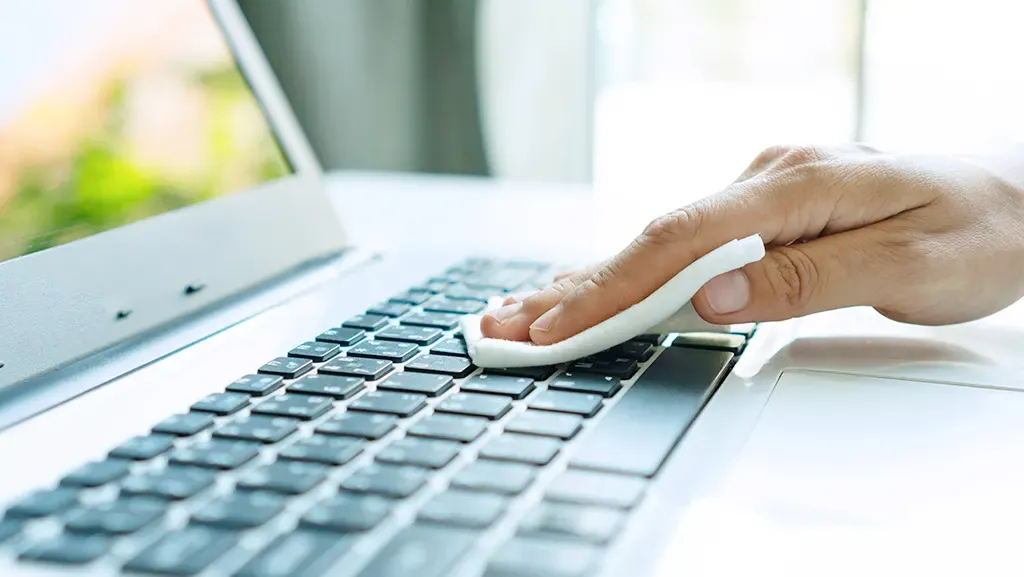
Clean your laptop keyboard without damaging it: simple steps for daily cleaning, clearing crumbs with compressed air and dealing with spills.
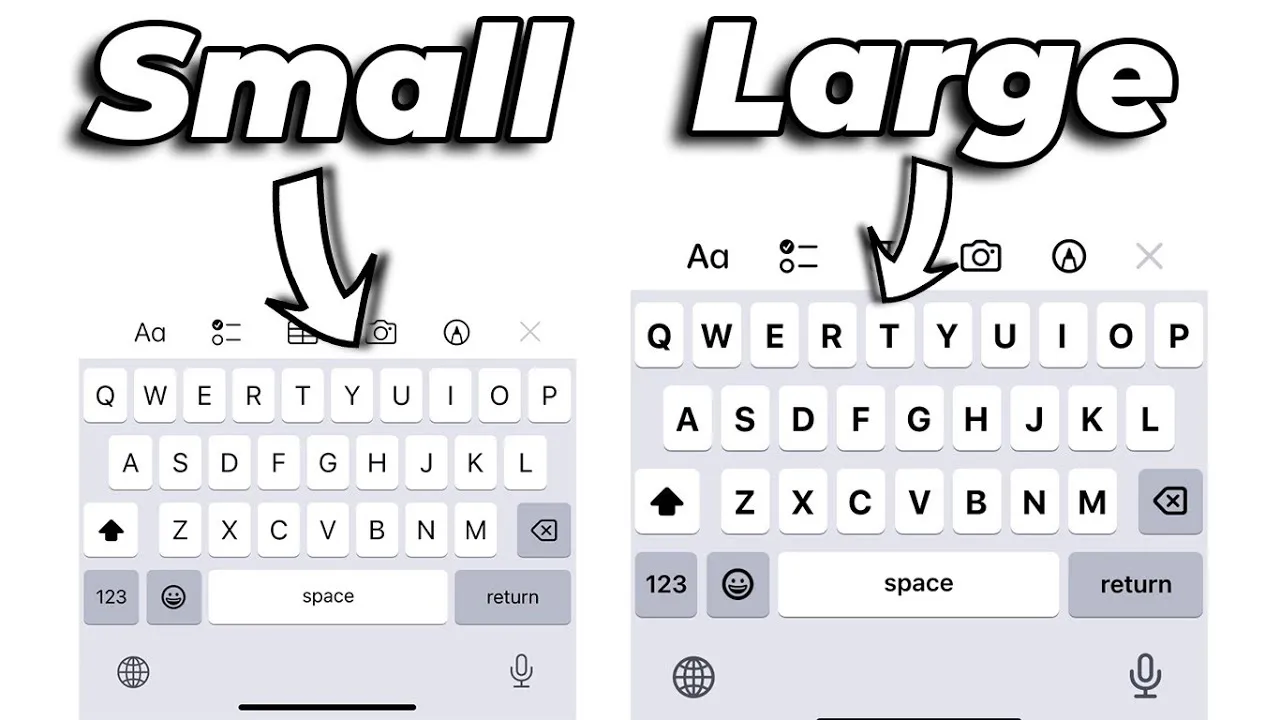
iPhone keyboard too small? Make it bigger with landscape mode, Display Zoom, bold text and other built-in settings. No extra app needed.
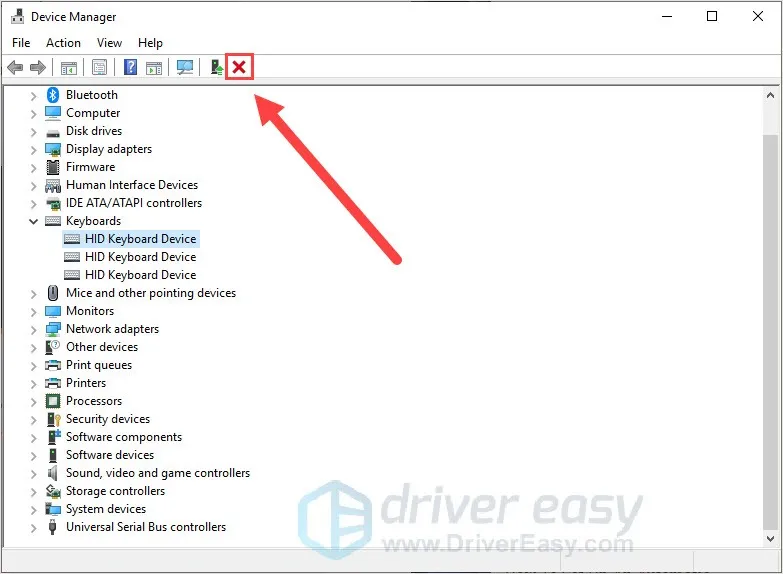
Keys acting up? Learn how to reset your keyboard on Windows and Mac, from Device Manager and keyboard settings to resetting a wireless keyboard.
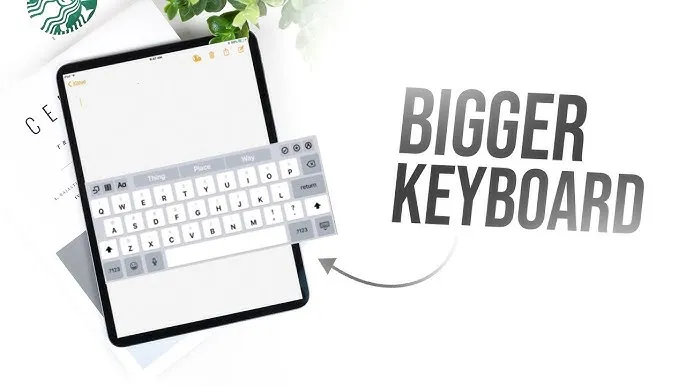
Make your iPad keyboard bigger and easier to type on with landscape mode, the floating and split keyboards, zoom and accessibility settings.
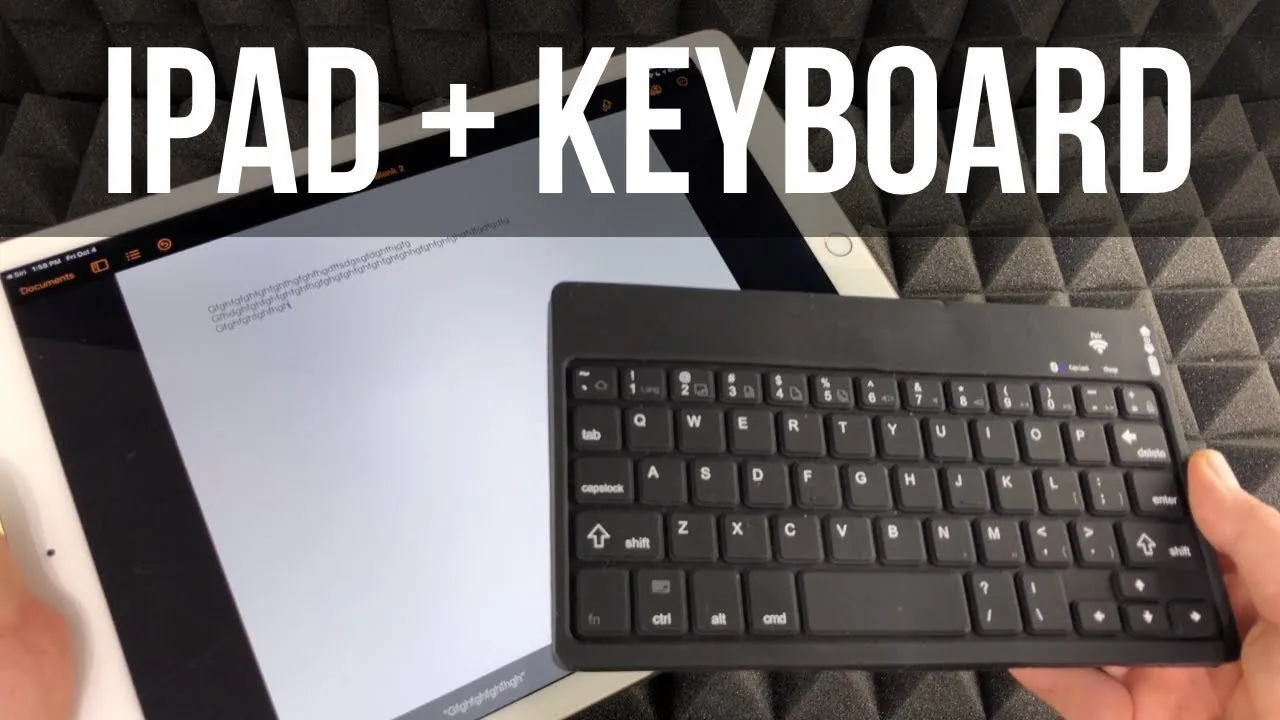
Connect a Bluetooth, Smart or USB keyboard to your iPad step by step, plus fixes for when your iPad won't pair with or detect the keyboard.
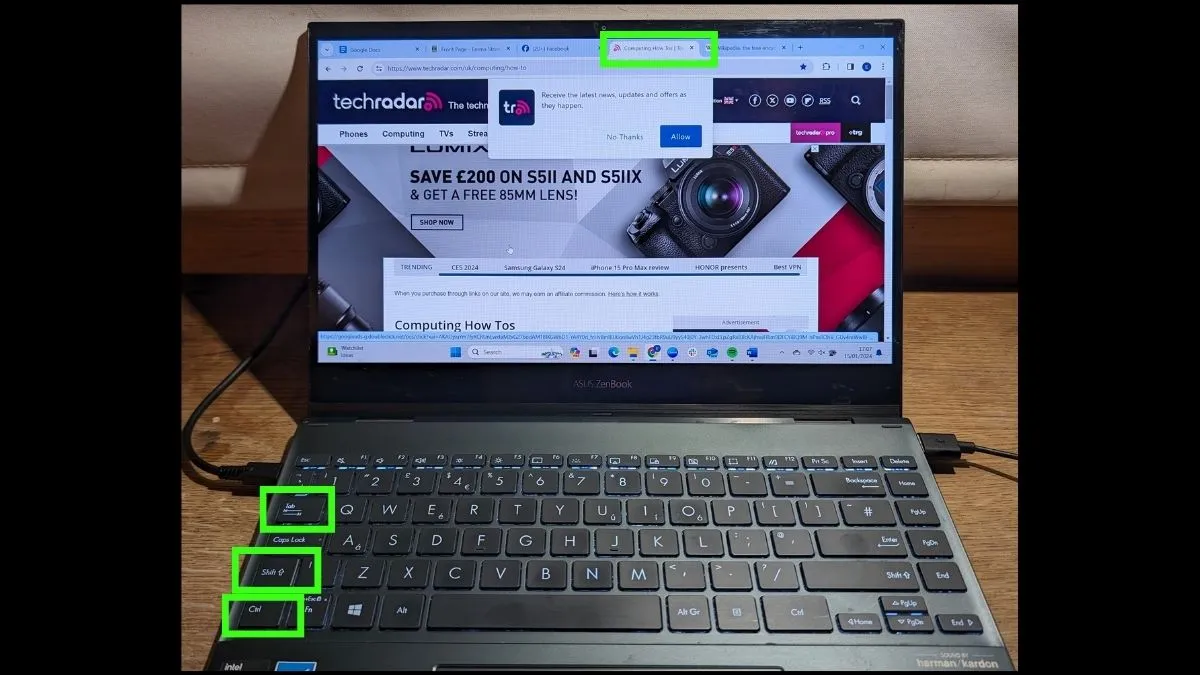
Switch browser tabs without touching the mouse. The keyboard shortcuts for Windows and Mac, including how to jump straight to a tab by its number.
Test every key on a keyboard in your language or layout. See all language keyboards.