Guide
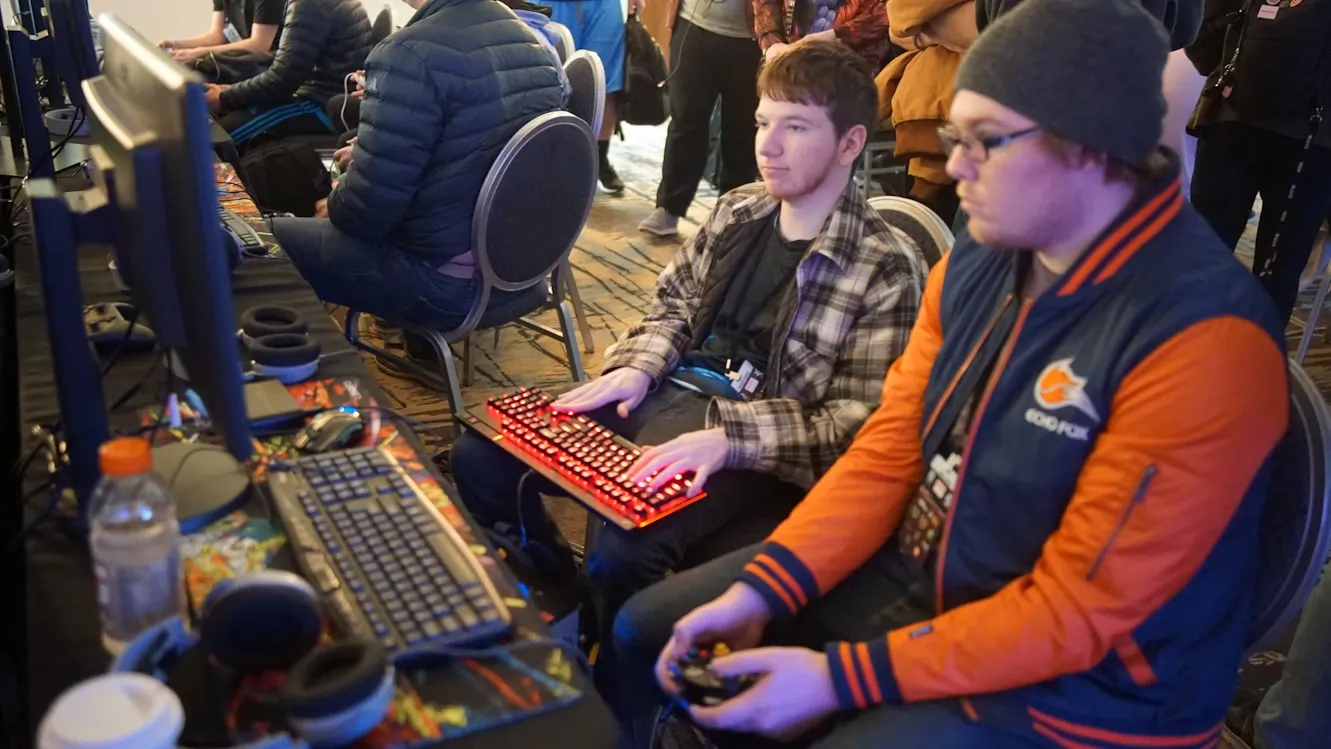
Marathon Gaming Sessions: How Chair Support Affects Keyboard Performance
Long gaming sessions wear down your aim and reaction time. See how posture and chair support affect keyboard performance and how to set up for marathons.

In-depth keyboard guides: fixing keyboards that stop working, layouts, lighting, cleaning, and using keyboards with consoles and laptops.
Long gaming sessions wear down your aim and reaction time. See how posture and chair support affect keyboard performance and how to set up for marathons.
Keyboard not typing? Find out why it stopped working and fix it fast, from loose connections and dead batteries to driver and settings problems.
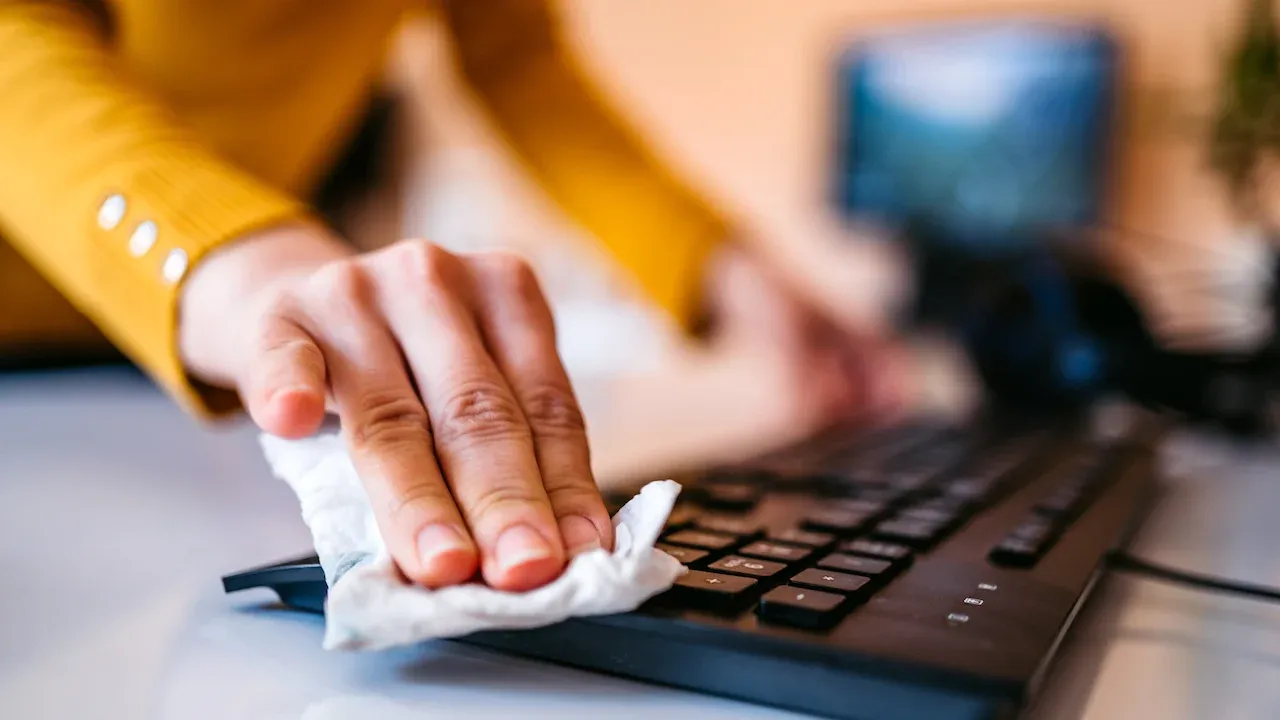
Clean your keyboard safely, from a quick daily wipe to a full deep clean. The supplies you need and how to deal with sticky or stuck keys.
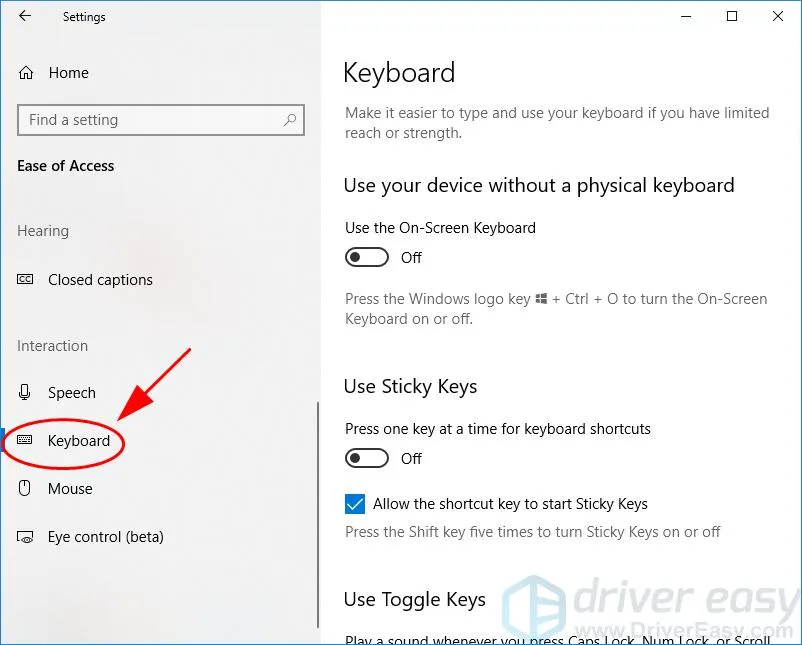
Caps Lock stuck on? Learn quick ways to turn it off, the common causes behind a stuck Caps Lock key and how to stop it from happening again.
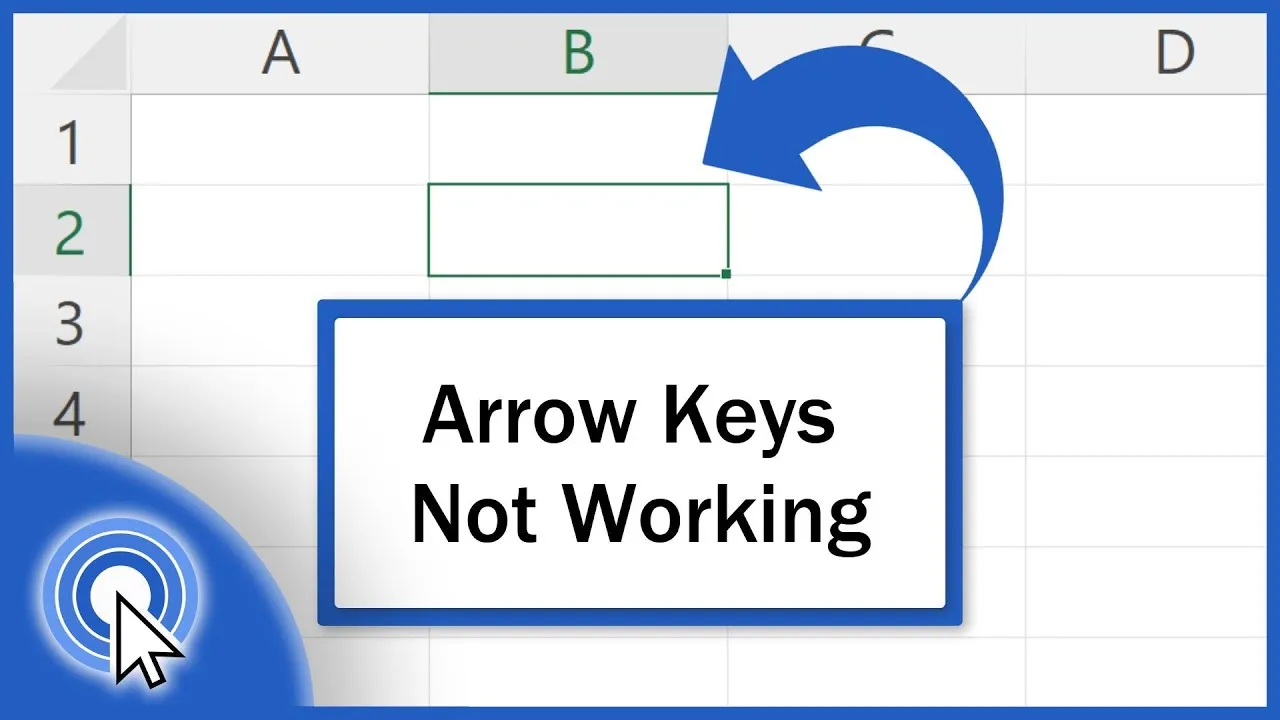
Arrow keys scrolling the sheet instead of moving between cells? See why Scroll Lock and other settings cause it in Excel and how to fix it in seconds.
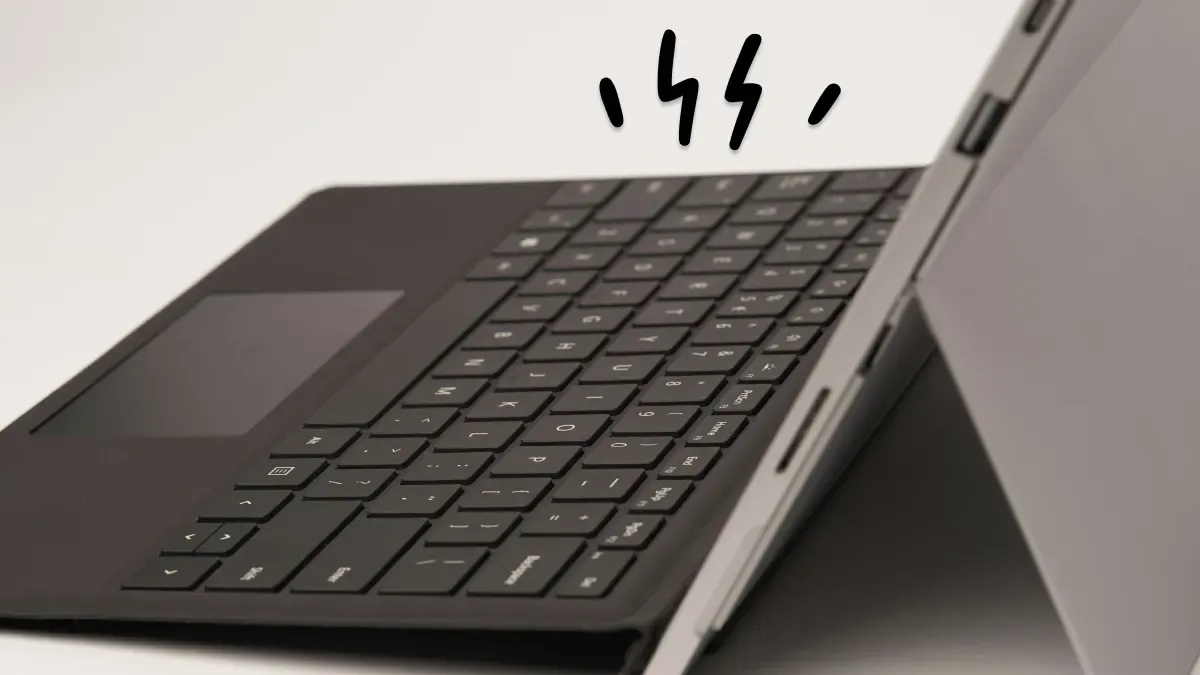
Surface Pro Type Cover or keyboard not working? Check the connection, restart, update drivers and reset settings with these easy fixes.
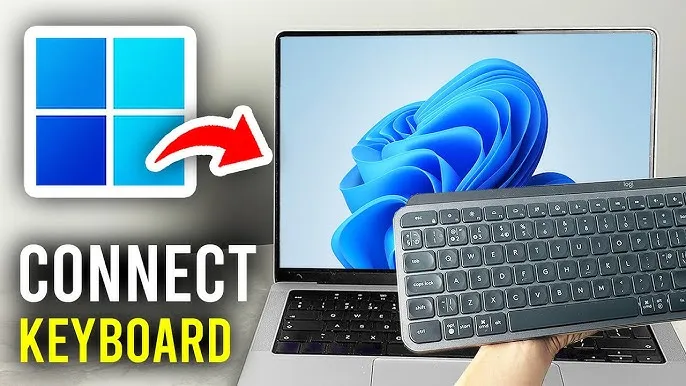
Set up a wireless keyboard in minutes with step-by-step instructions for USB receiver and Bluetooth keyboards, plus fixes if it won't connect.
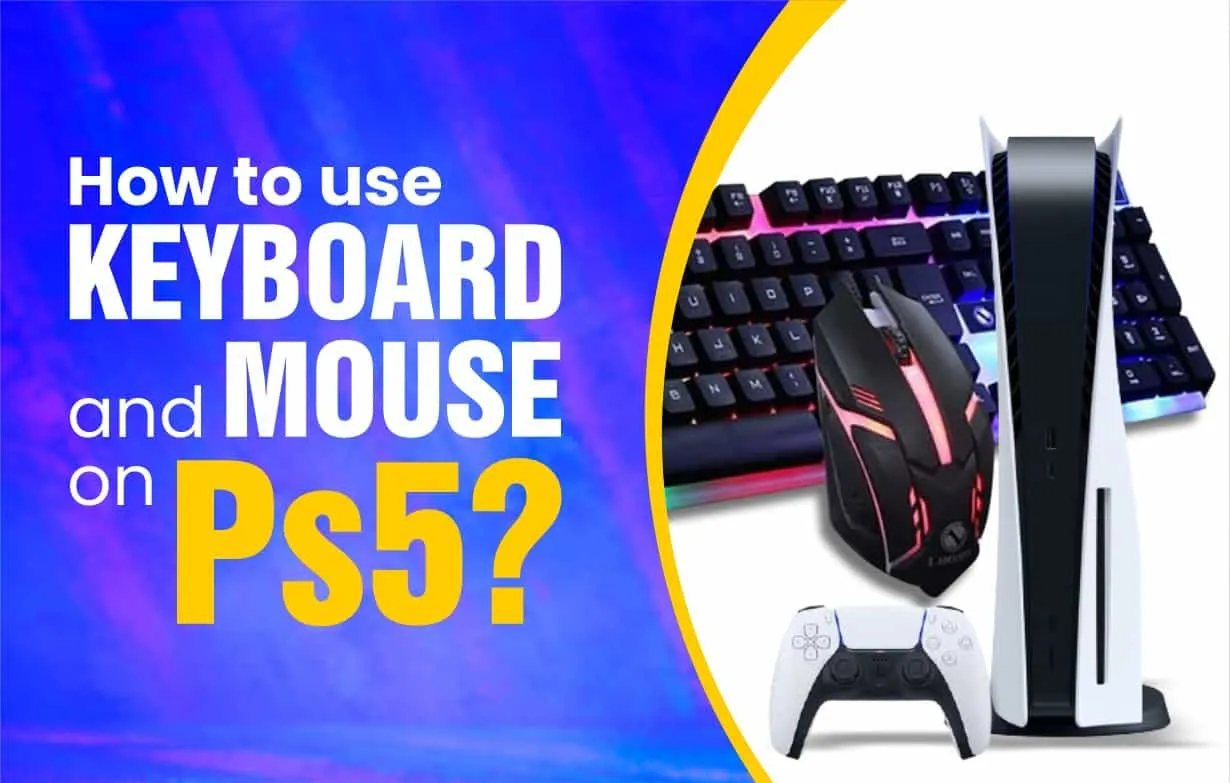
Yes, the PS5 supports a keyboard and mouse. See how to connect wired and wireless ones, which games support them and how to fix setup problems.
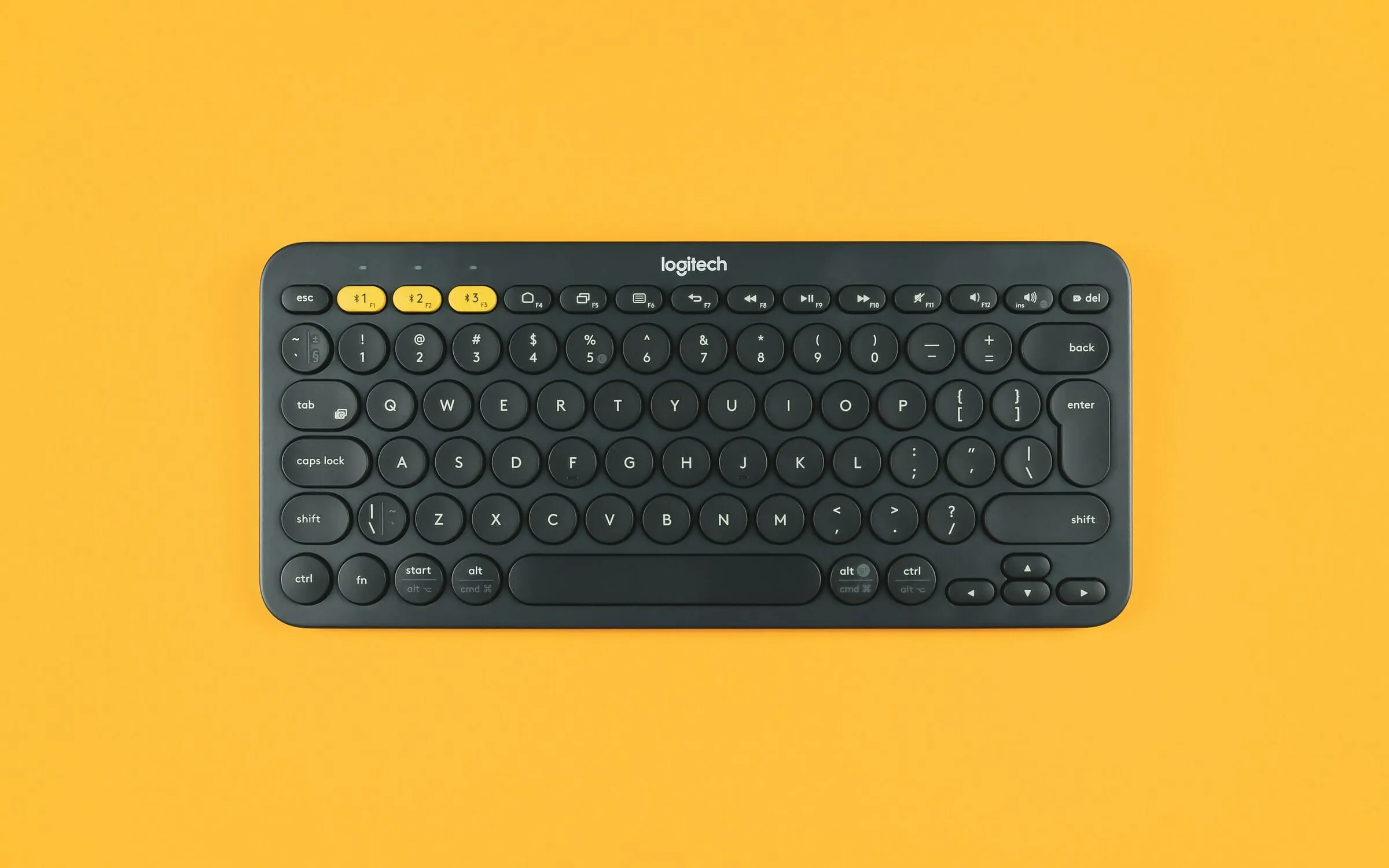
Logitech keyboard not connecting? Check the USB receiver, Bluetooth pairing, batteries and Logitech software with these step-by-step fixes.
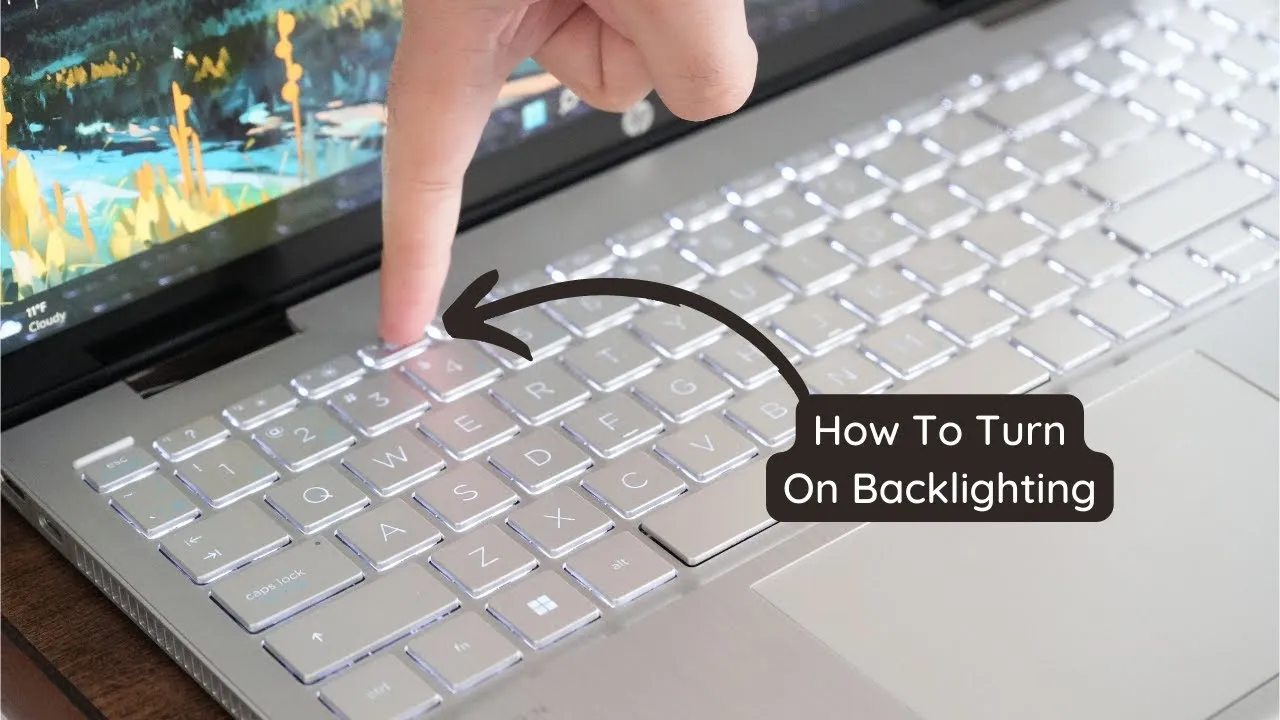
Can't find your keyboard backlight? Turn on the keyboard light on Windows laptops, MacBooks and RGB keyboards, and fix it when it won't light up.
Test every key on a keyboard in your language or layout. See all language keyboards.